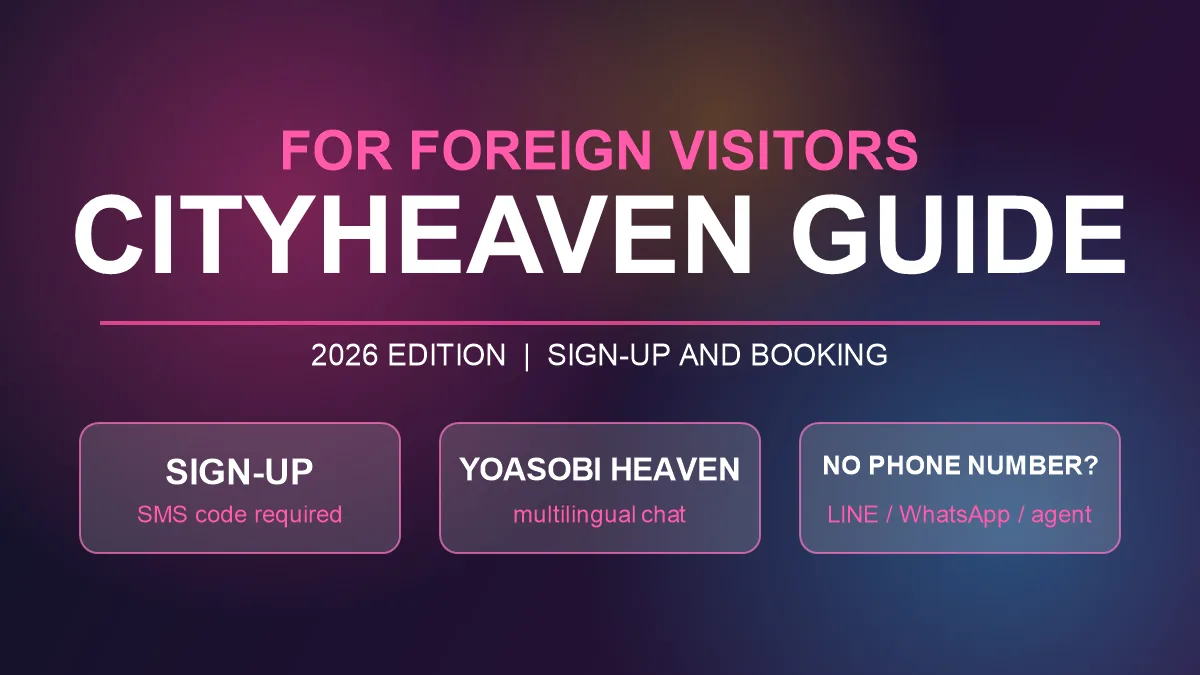

City Heaven (officially City Heaven Net), one of Japan's largest adult entertainment directories, is free to browse and can be used without an account. However, online booking is a members-only feature, and signing up requires entering an SMS verification code sent to a Japanese mobile number. The official FAQ states clearly that overseas mobile numbers are not supported.
If you don't have a Japanese phone number, you have three options: create an account with just an email address on YOASOBI HEAVEN, City Heaven Net's site for foreign visitors, and message shops through its multilingual chat; contact shops that take bookings via LINE or WhatsApp directly; or use a booking agent service. Based on the official FAQ, this article explains which City Heaven features require an account, how SMS verification works, how to use YOASOBI HEAVEN, and how to book without a phone number.
What You Need a City Heaven Account For
Browsing City Heaven Net costs nothing. Only some services require an account, such as viewing members-only photos, exchanging messages with the women through Okini Talk, and applying for free invitation tickets (City Heaven Net FAQ (Japanese): "Is this site paid?").
Online booking is also for members, and only at shops that accept online bookings. You choose a shop, press the online booking button, select the date and time, the woman, the course and any options, and enter the required information, including the time slot when you want the shop to contact you, which is mandatory. An online booking is only provisional: it is completed when you take a phone call from the shop and confirm the final details (City Heaven Net FAQ (Japanese): "How do I make a booking?"). Keep in mind that if you cannot take the call, the booking is not confirmed.
Signing Up Requires SMS Verification with a Japanese Mobile Number
The sign-up process
On the smartphone version, sign-up works like this (City Heaven Net FAQ (Japanese): "How do I register as a new My Heaven member?"):
- Tap My Heaven at the top right of the page and choose new member registration
- Enter your phone number, then enter the 4-digit verification code sent to you by SMS
- Enter a login ID, password, nickname, date of birth, where you live, the areas you often visit and other details
Each phone number can be used for only one account.
Overseas numbers and 050 numbers are not accepted
In answer to the question "Can overseas mobile phones use SMS verification?", the official FAQ says that only Japanese mobile numbers are supported (City Heaven Net FAQ (Japanese): "Can overseas mobile phones use SMS verification?"). Without a phone number you cannot proceed with sign-up at all (same FAQ: "I don't have a phone number. Can I still register?"), and since February 28, 2023, numbers starting with 050, which are IP phone numbers in Japan, can no longer be used for new registrations (same FAQ: "I can't register as a new My Heaven member").
Access from overseas networks may be blocked
To protect registered information from unauthorized access, City Heaven Net restricts access from overseas and automated access. When you are blocked, a "Sorry, you have been blocked" message or a UFO screen appears. The official FAQ advises switching from Wi-Fi to your mobile carrier's network and turning off IP-masking settings such as Private Relay (City Heaven Net FAQ (Japanese): "Sorry, you have been blocked / UFO screen"). If you open the site from your home country before arriving in Japan, it may not load.
YOASOBI HEAVEN, the Site for Foreign Visitors, Lets You Sign Up with an Email Address
YOASOBI HEAVEN is a site for foreign visitors that lists only the shops on City Heaven Net that accept foreign customers (City Heaven Net FAQ: YOASOBI Heaven (formerly Traveler)). It was renamed from City Heaven Traveler to its current name on May 15, 2024.
How to create an account
You need an account to use the multilingual chat. No phone number is required, and you can create one with these steps (City Heaven Net FAQ (Japanese): "How overseas users create a YOASOBI Heaven account"):
- Choose Register on the YOASOBI HEAVEN sign-up page
- Enter your email address (twice, to confirm), a nickname (Display Name), a password and your nationality. The password must be 8 to 24 characters and include uppercase and lowercase letters, a number and one of the symbols @ # $ %
- Press Register on the confirmation screen
- Open the link sent to your email address to verify it, then log in
Contact shops through the multilingual chat
Press the Multilingual Chat button on a shop's page, log in and send a message. Your message is automatically translated into Japanese before it reaches the shop, and the shop's reply is translated into your language (City Heaven Net FAQ (Japanese): "Messaging shops with the multilingual chat").
If the shop has set them up, its page also shows links to LINE, WeChat and KakaoTalk, icons indicating staff who speak English, Chinese or Korean, and accepted payment methods (cash, Alipay, WeChat Pay, credit cards) (Heaven Net admin FAQ (Japanese): "Setting up YOASOBI Heaven for shops").
How to Book Without a Phone Number
1. Contact shops that take bookings via LINE or WhatsApp
Some shops accept bookings through messaging apps such as LINE and WhatsApp. This way you don't need a Japanese phone number, and it doesn't matter if your travel SIM can't receive SMS. How booking through messaging apps works is described in Breaking the "Phone Wall" in Japan: Your SNS Guide to Seamless Bookings.
2. Use a booking agent service
If dealing with shops yourself is difficult, you can use a booking agent service. This site's booking agent service is free and handles everything from suggesting shops that fit your budget and preferences to making the booking. You can contact us via LINE, WeChat, KakaoTalk or WhatsApp from any shop page on this site. For details, see our free booking agent service.
3. Confirm the total price and conditions before booking
Whichever method you use, confirm the total price and payment methods that apply to you as a foreigner when you book. Some shops set different prices or conditions for foreign customers. What to check is summarized in Foreigner-Friendly Doesn't Mean Same Terms [2026 Guide]: What Changes for You in Tokyo.
Frequently Asked Questions (FAQ)
Q1. Can foreigners view City Heaven?
A1. Browsing is free and you don't need an account. However, access from overseas networks may be restricted, in which case a block screen such as "Sorry, you have been blocked" appears.
Q2. Can I register with City Heaven without a Japanese phone number?
A2. No. Sign-up requires entering a verification code sent by SMS, and the official FAQ says that only Japanese mobile numbers are supported. Numbers starting with 050 can't be used for new registrations either.
Q3. What is the difference between YOASOBI HEAVEN and City Heaven?
A3. YOASOBI HEAVEN is a site for foreign visitors that lists only the City Heaven Net shops that accept foreign customers. You can create an account with an email address and communicate with shops through the multilingual chat.
Q4. What is the easiest way to book without a phone number?
A4. Contact a shop that takes bookings via LINE or WhatsApp directly, or use a booking agent service. You can also send inquiries through YOASOBI HEAVEN's multilingual chat.
City Heaven Net is useful for finding shops, but its sign-up and online booking assume a Japanese mobile number. For foreign visitors, the reliable approach is to find shops that accept foreigners on YOASOBI HEAVEN and contact them through the multilingual chat, messaging apps or a booking agent service. You can find shops below.
>> Find an escort service